 Fightcord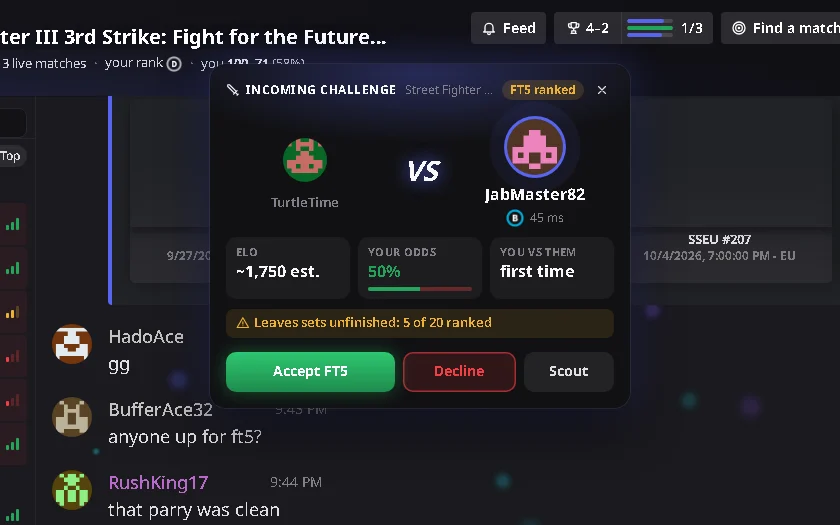
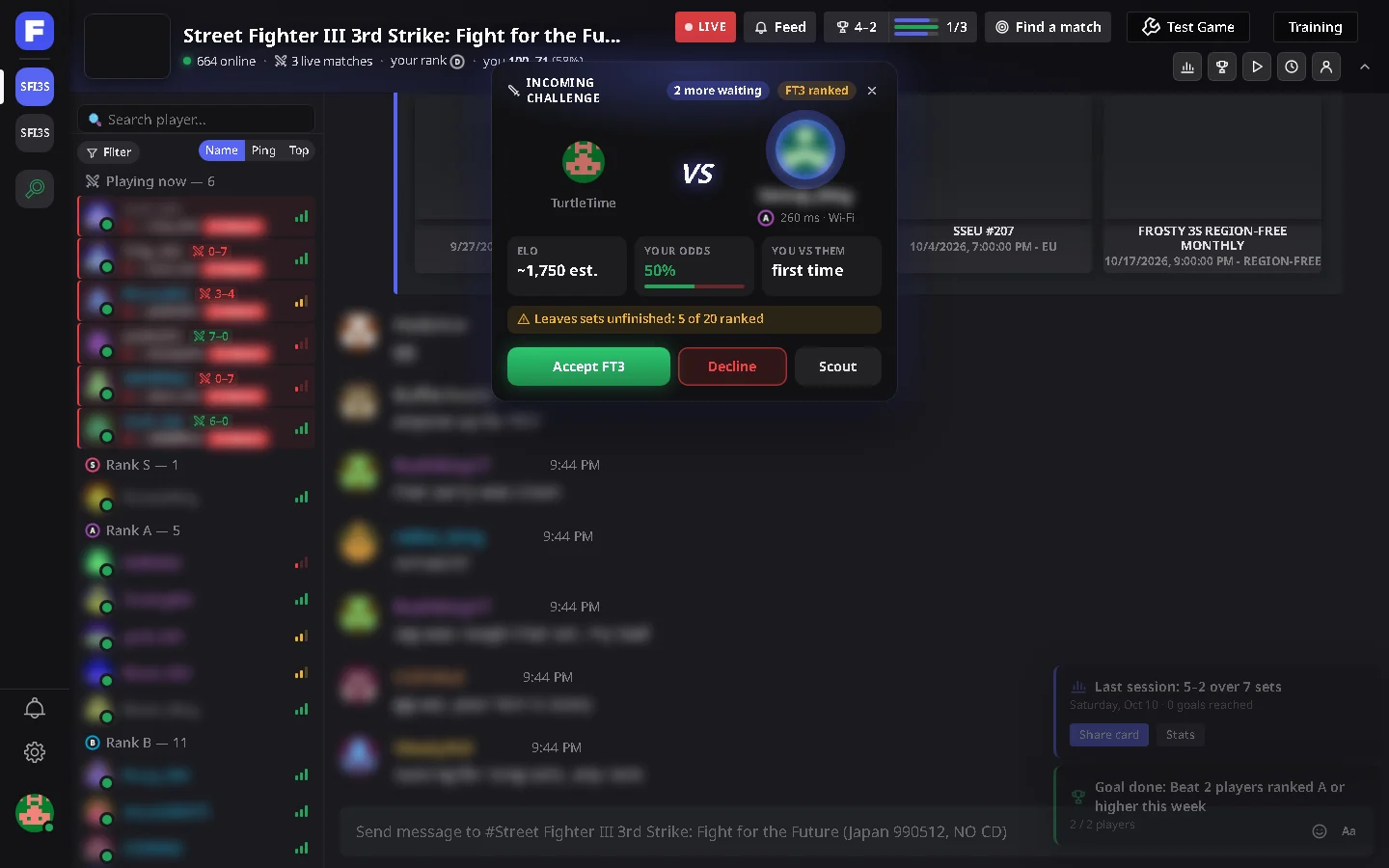
Scout card
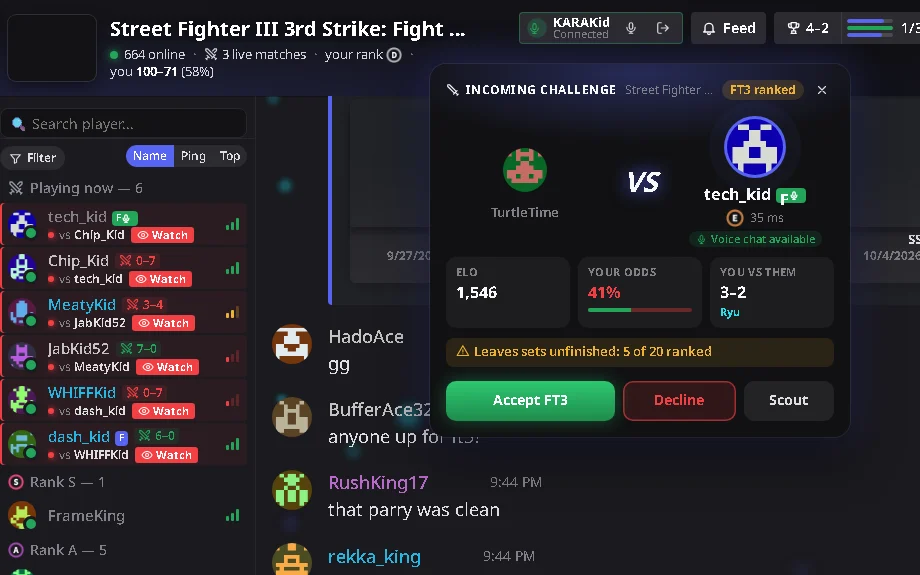
The moment someone challenges you: their rank, ELO, your odds, your head-to-head and whether they tend to leave ranked sets unfinished.

A free mod for the Fightcade app: a Discord-style look you can make your own, voice chat with your opponent, and a stack of tools for competitive players. One installer, and it keeps itself up to date.
Fan-made. Not made by, affiliated with or endorsed by Fightcade or Discord.
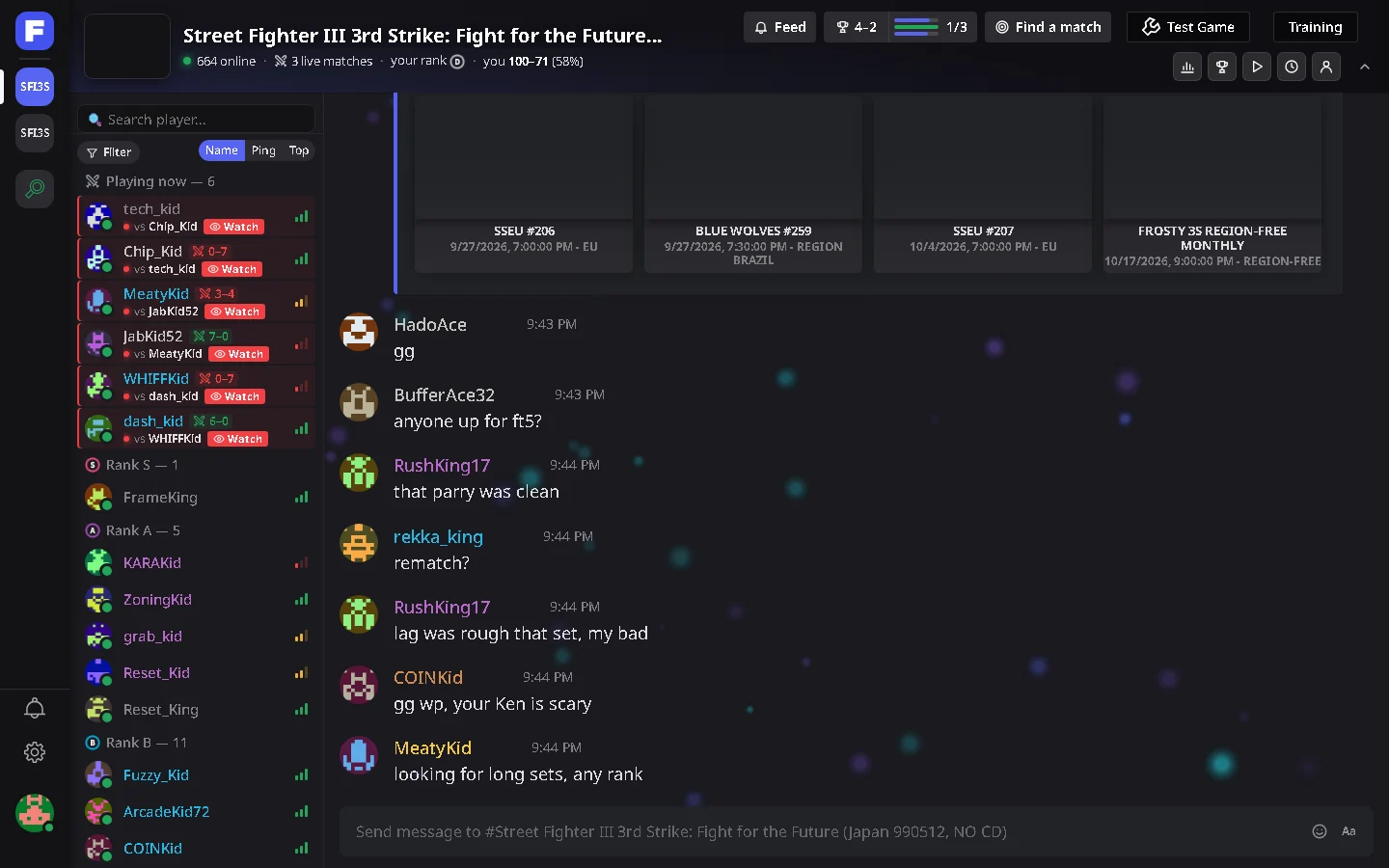
Pick a Look and everything follows: colours, accent, font, the animated background and even the font of the in-game bar. Or build your own in the theme editor.
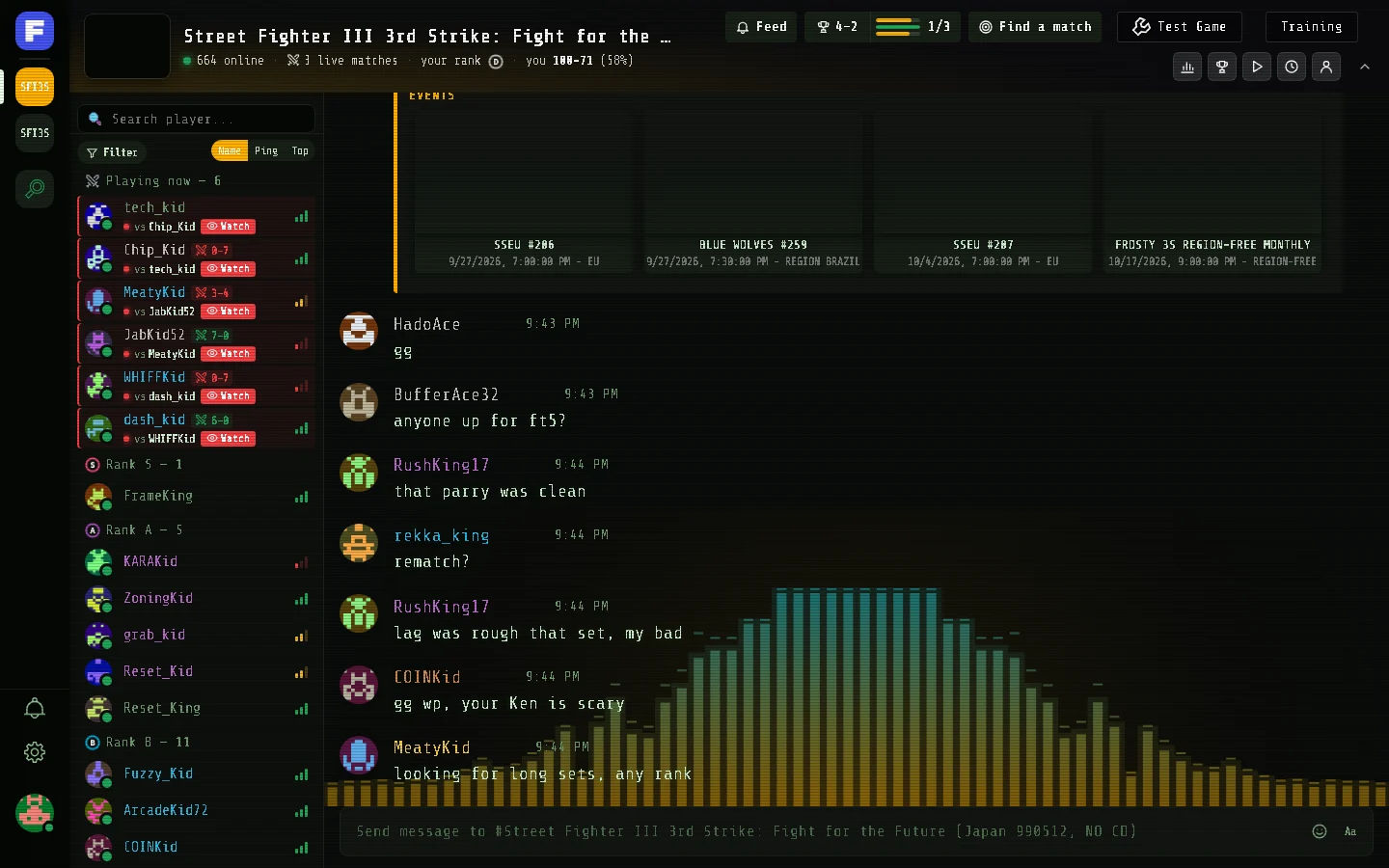
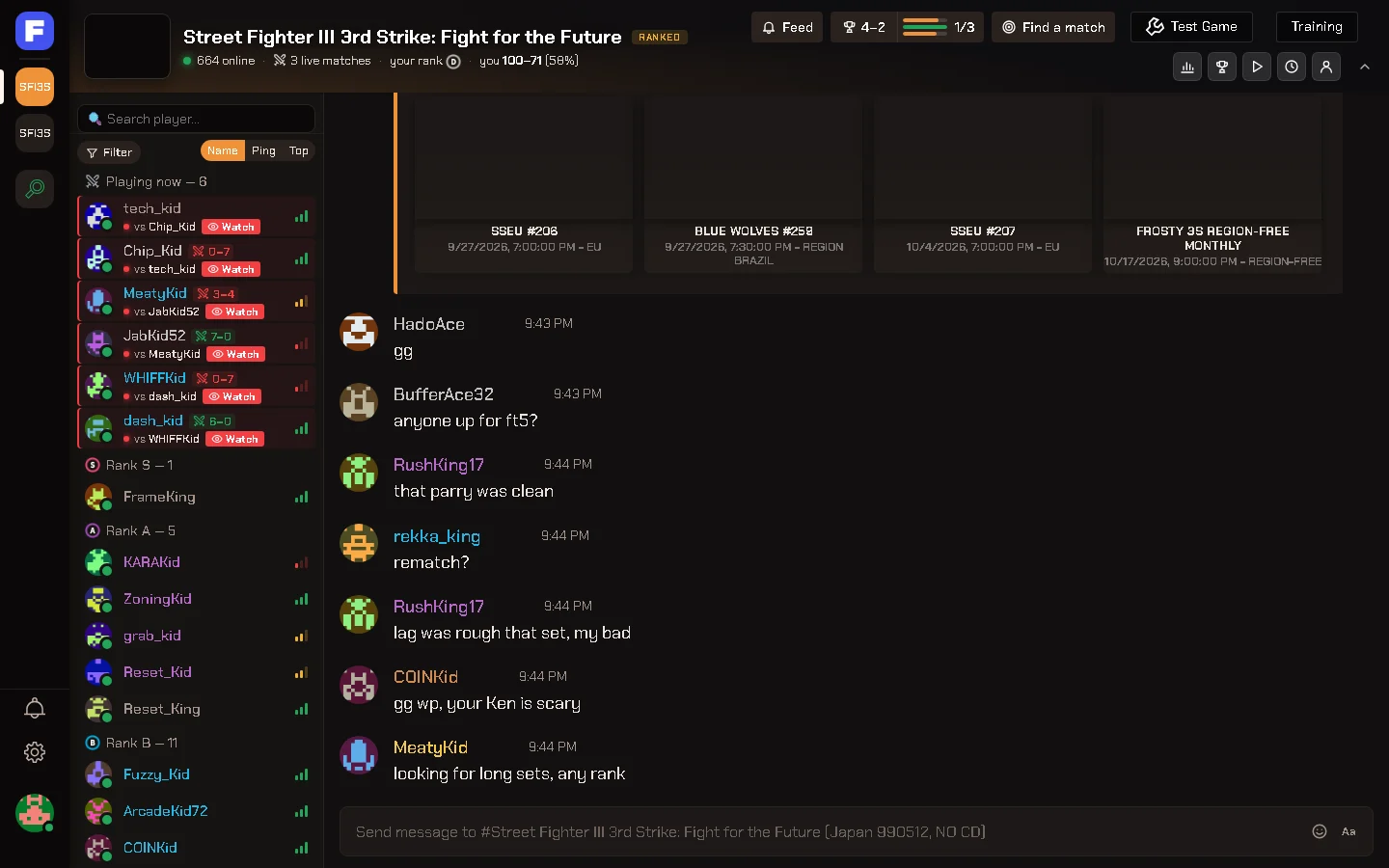
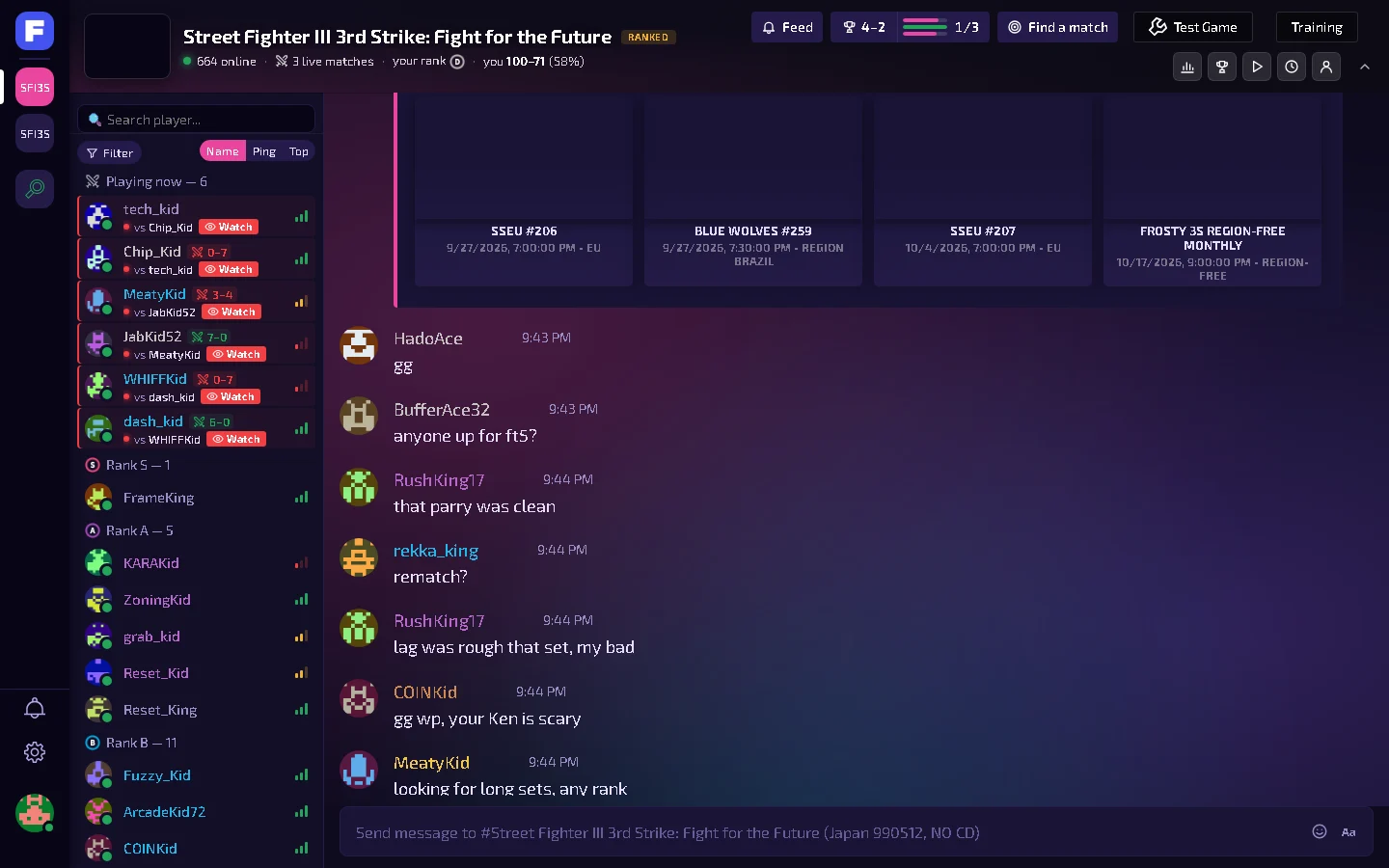
Voice chat during a set, between Fightcord players. When the set starts you’re asked to join, or it connects by itself with friends; it ends with the match.
An F next to a player’s name means they have Fightcord; a green F with a mic means their voice chat is on. Challenges tell you when voice chat is available.
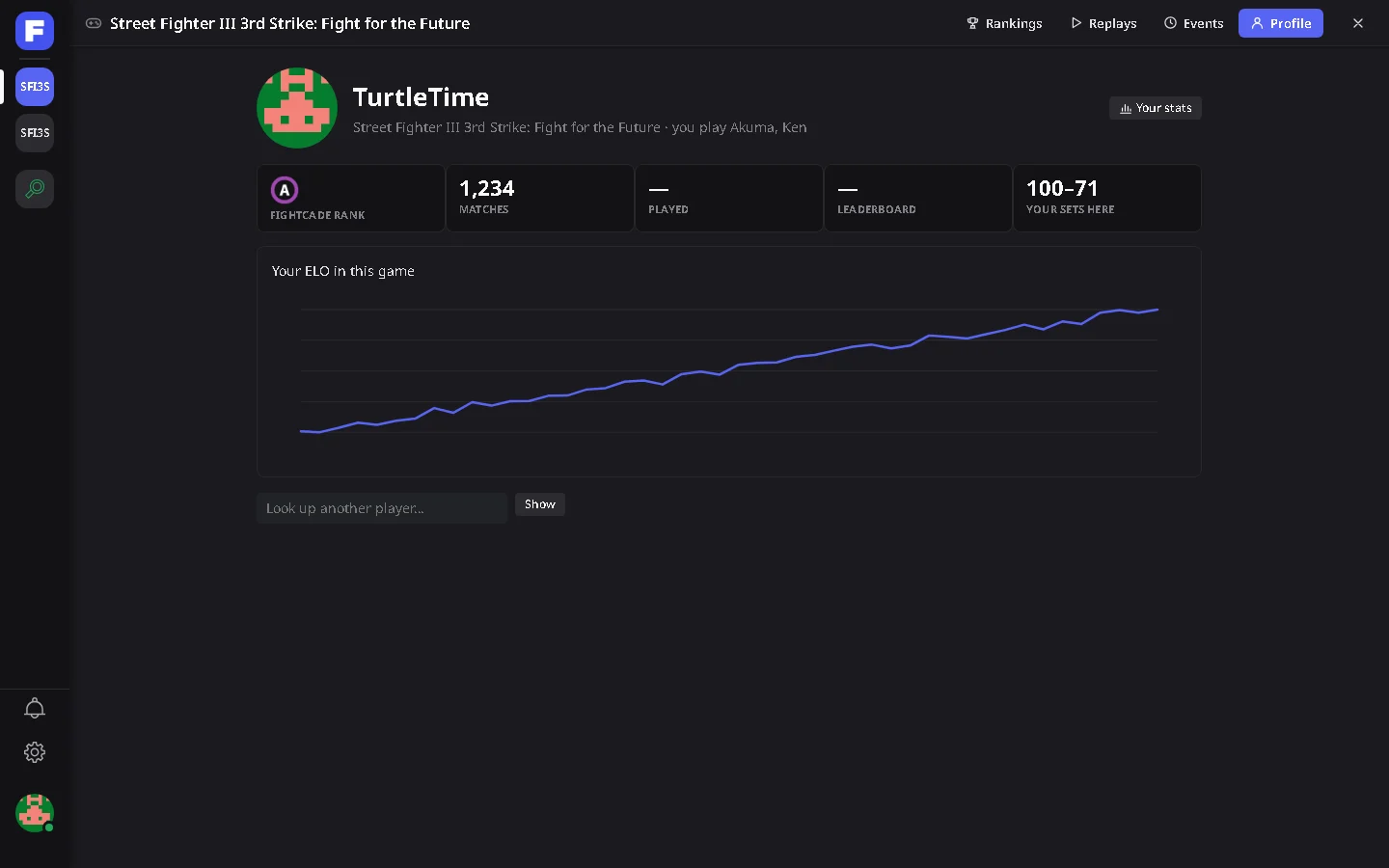
The channel banner’s buttons open the game’s leaderboard, recent matches to watch, events and player profiles right in the app, no browser needed.
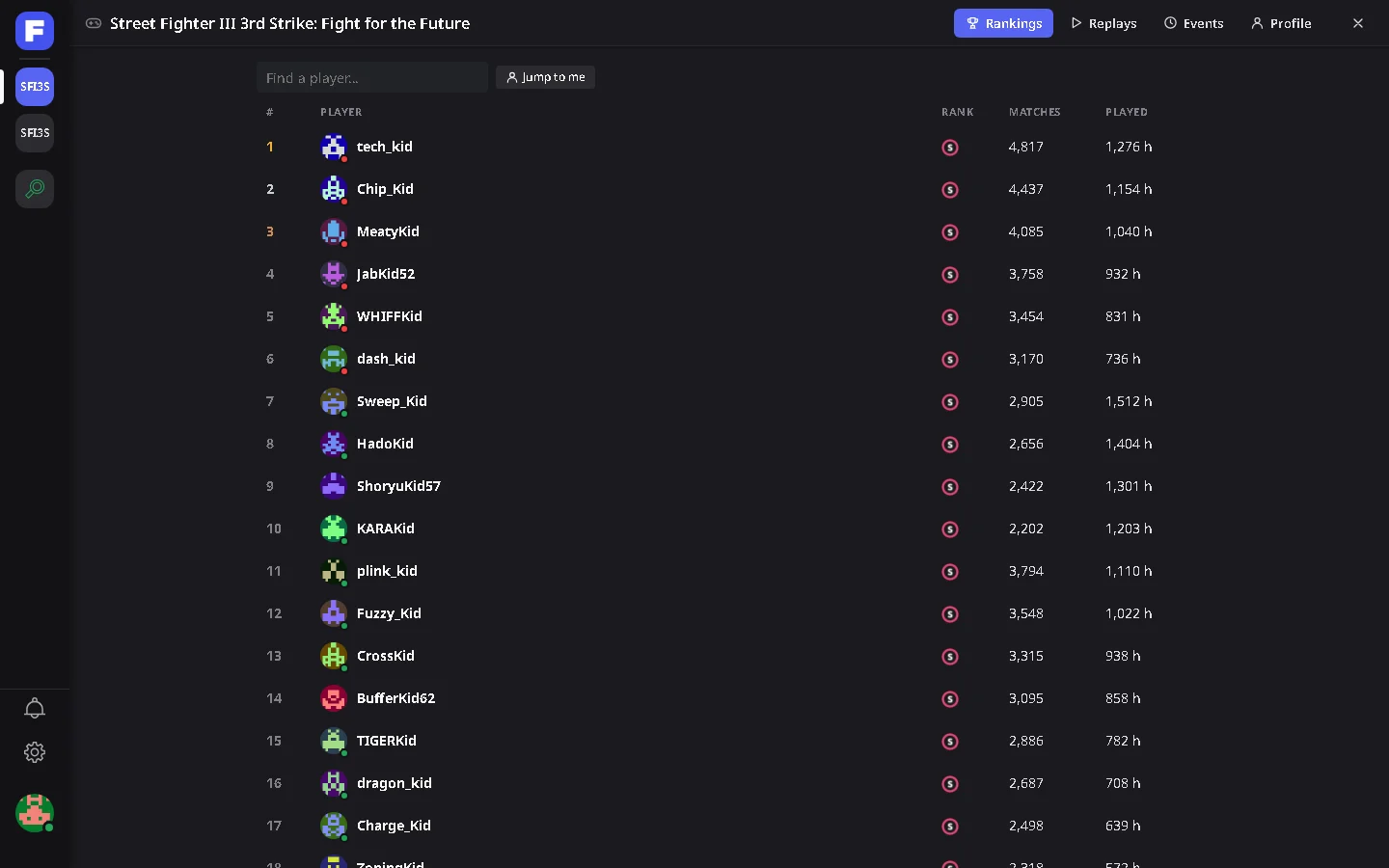
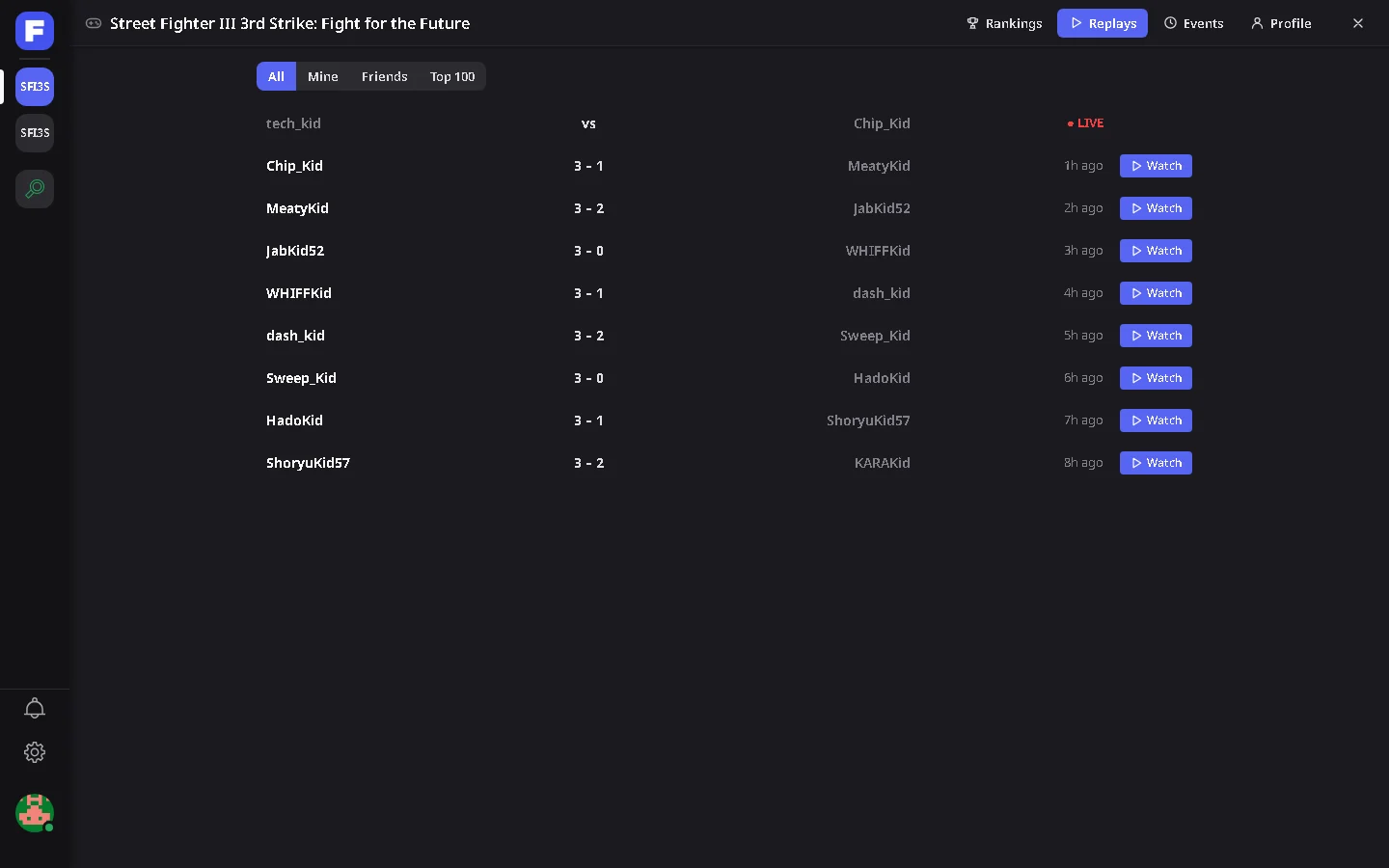
The moment someone challenges you: their rank, ELO, your odds, your head-to-head and whether they tend to leave ranked sets unfinished.
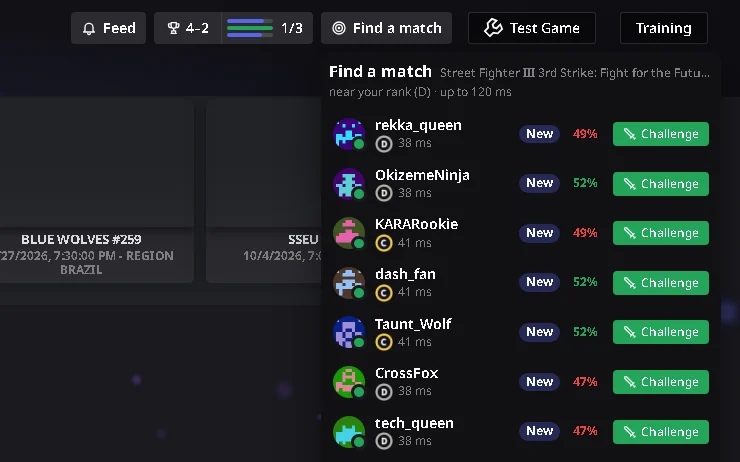
One button lists who’s free right now near your rank, on a good ping, new to you or close in your head-to-head.
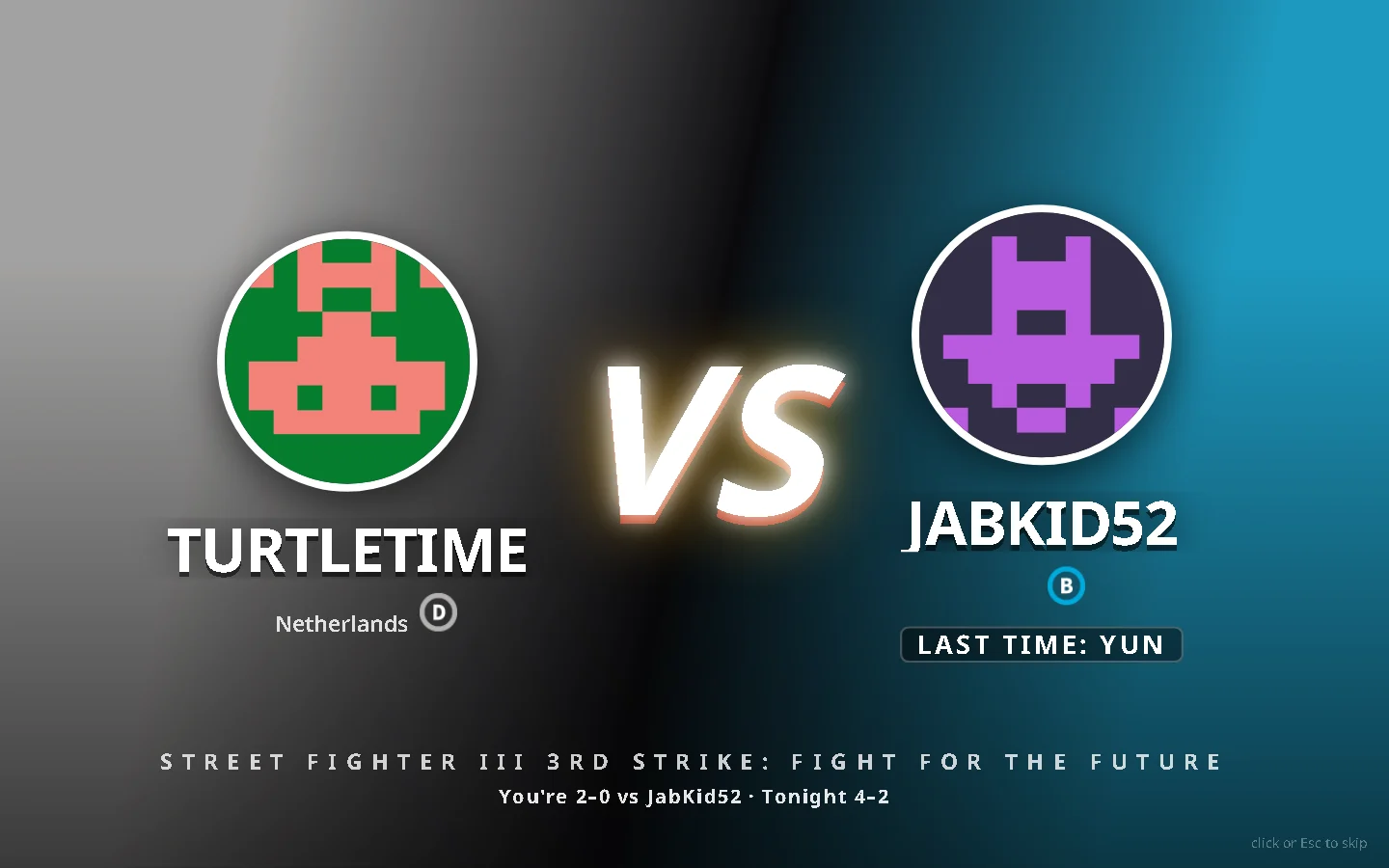
The game’s art, both players in their rank colours, your record against them and the character they played last time.
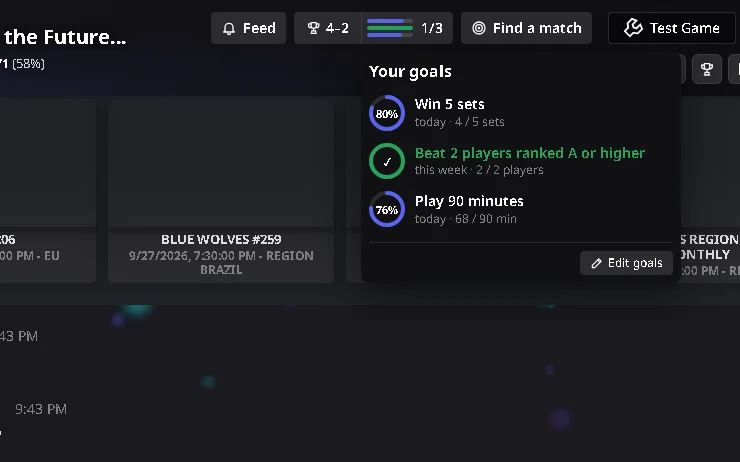
Training goals tracked live, tonight’s record in the top bar, a rank and ELO chart per game, head-to-heads and matchup notes per character.
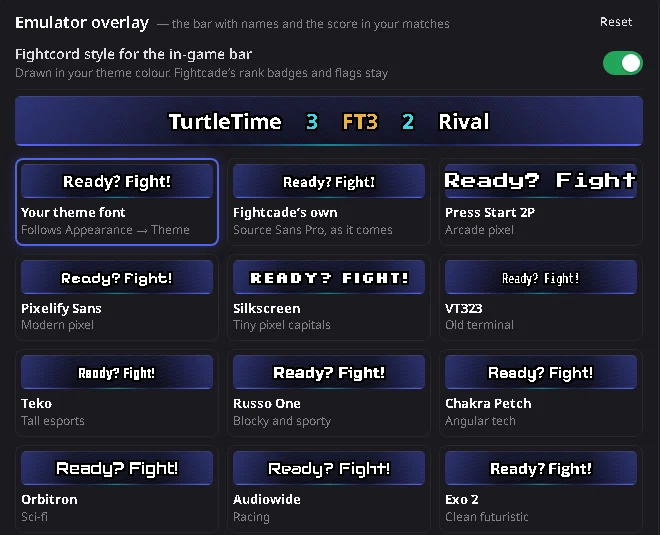
The bar with the names and the score in your matches, drawn in your theme colour, with twelve fonts to choose from: pixel, arcade, esports and more, each with a preview.
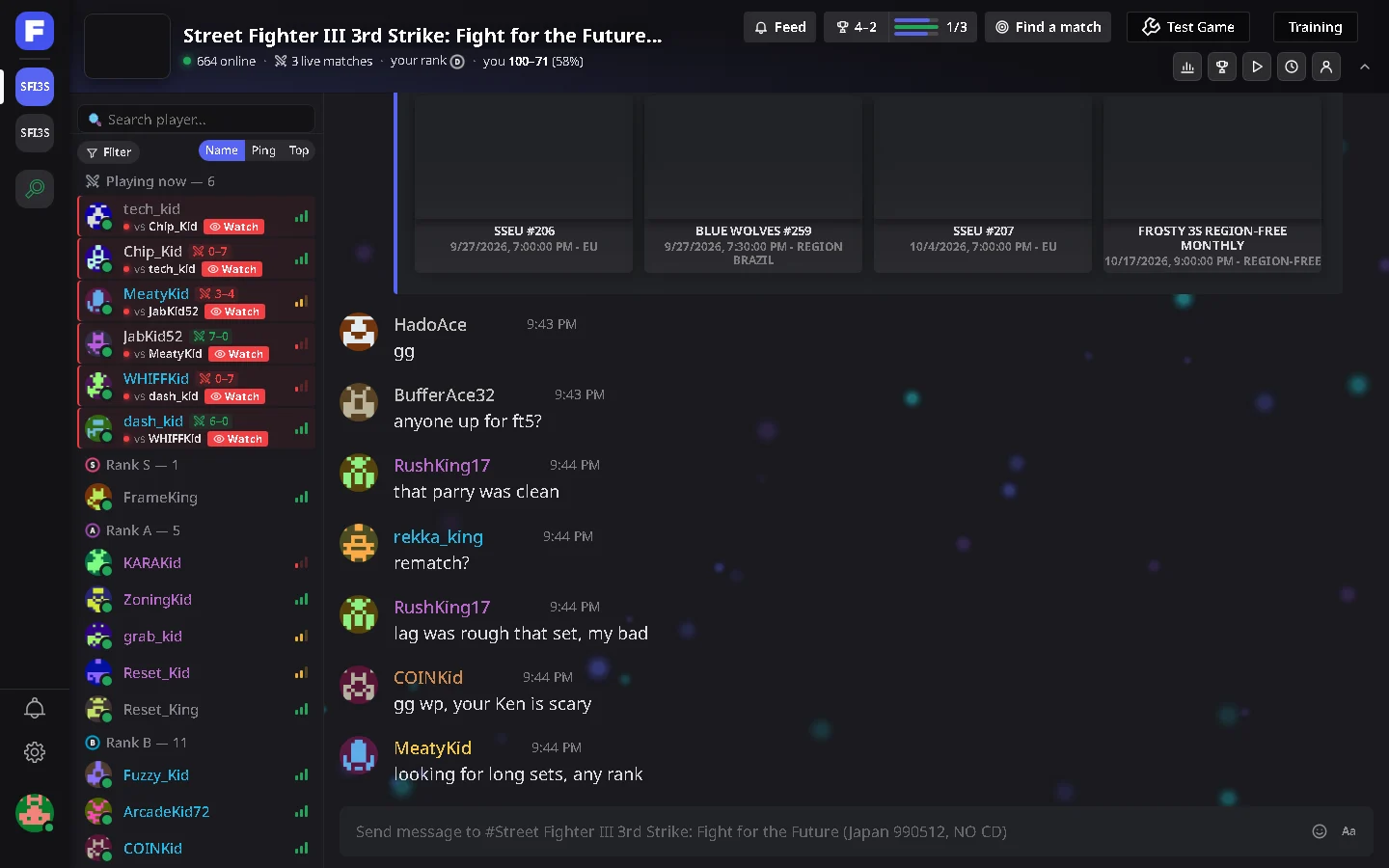
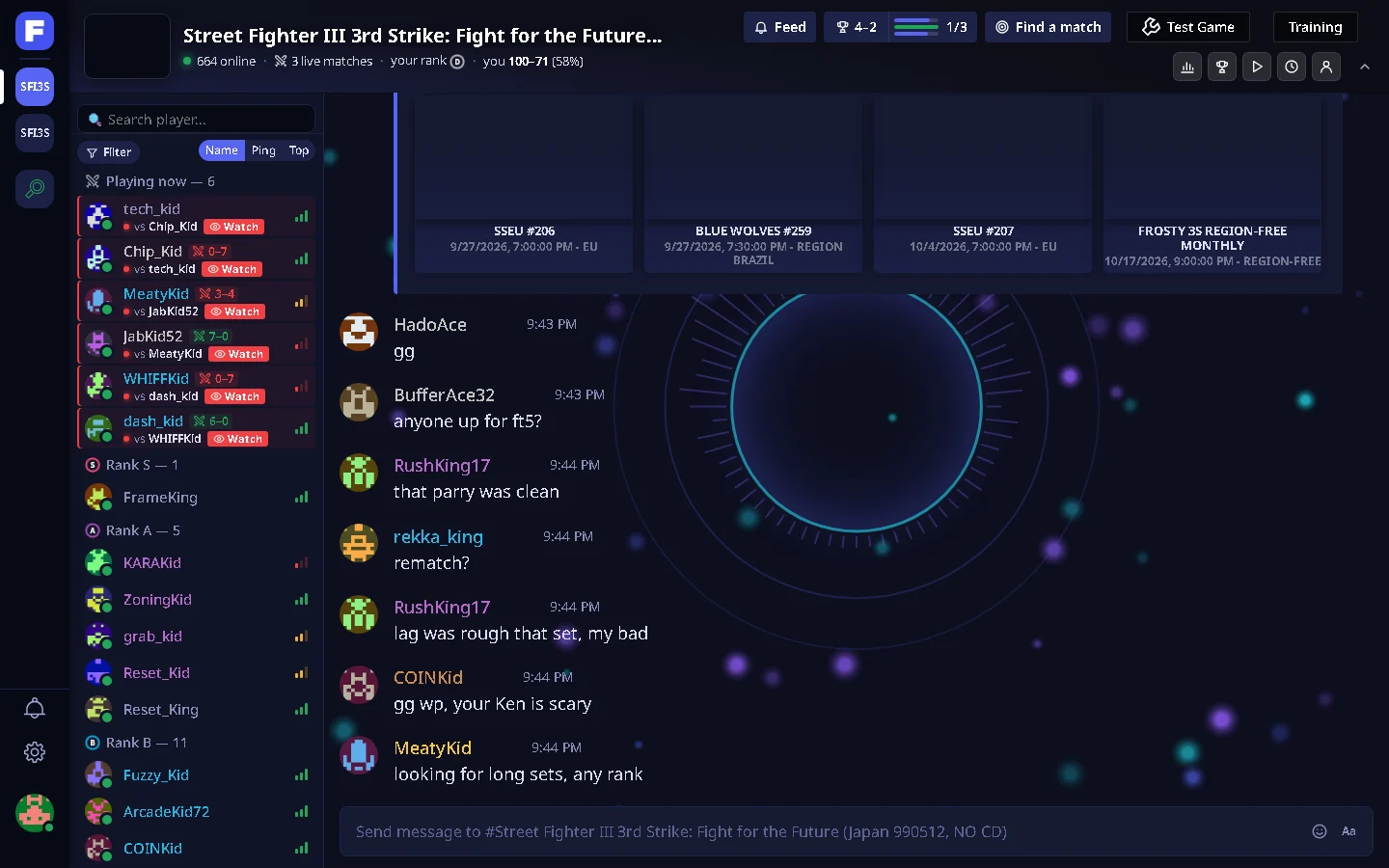
Bring your own lobby music and the background dances to it: bars, a wave or a pulsing ring that punch on every kick.
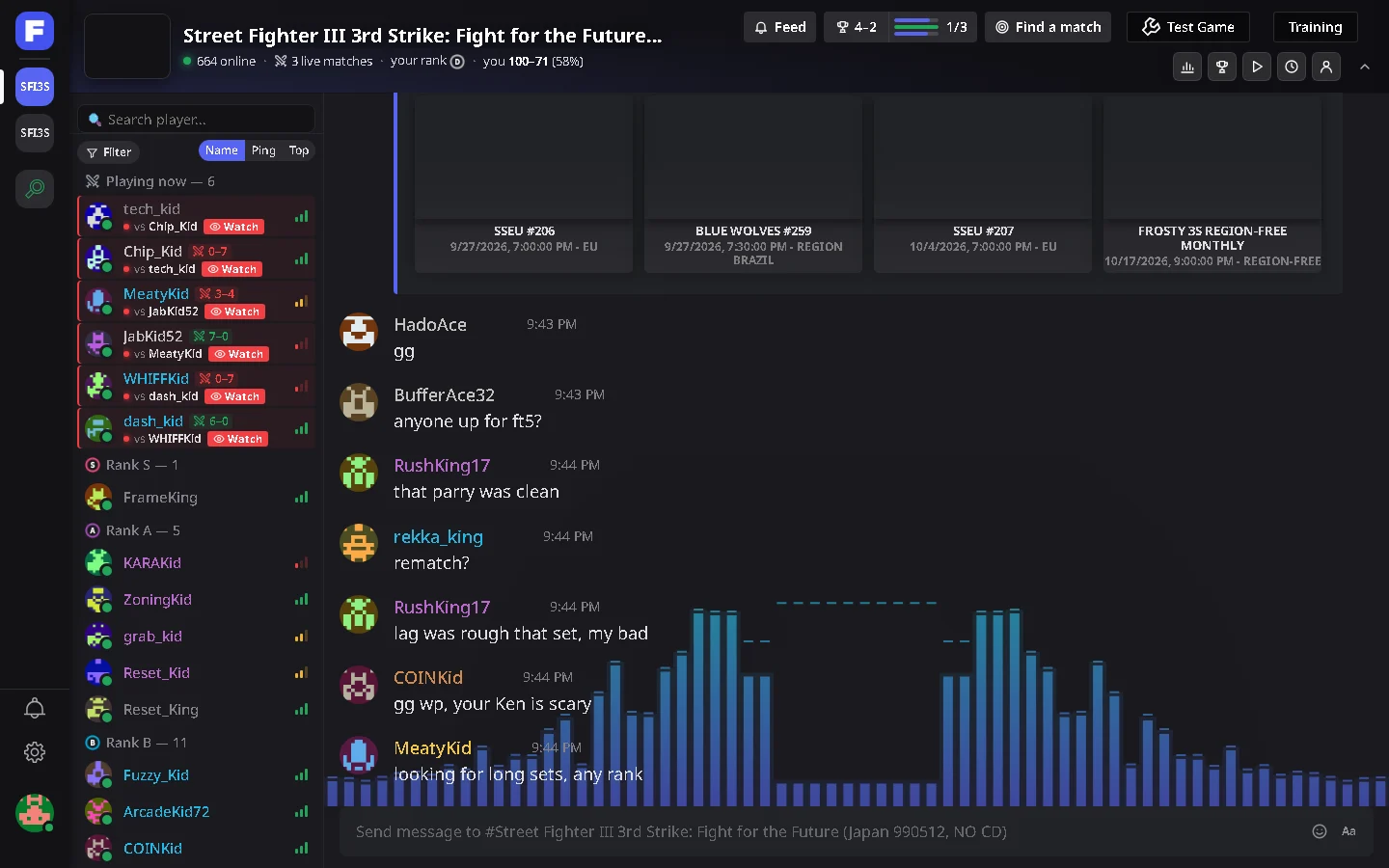
Ctrl+Shift+H blurs other players’ names, avatars and chat. Challenges wait in a queue, one card at a time and none mid-match.
A scoreboard to add in OBS as a Browser Source: you vs your opponent, ranks, the score and tonight’s record. Served from your own PC only.
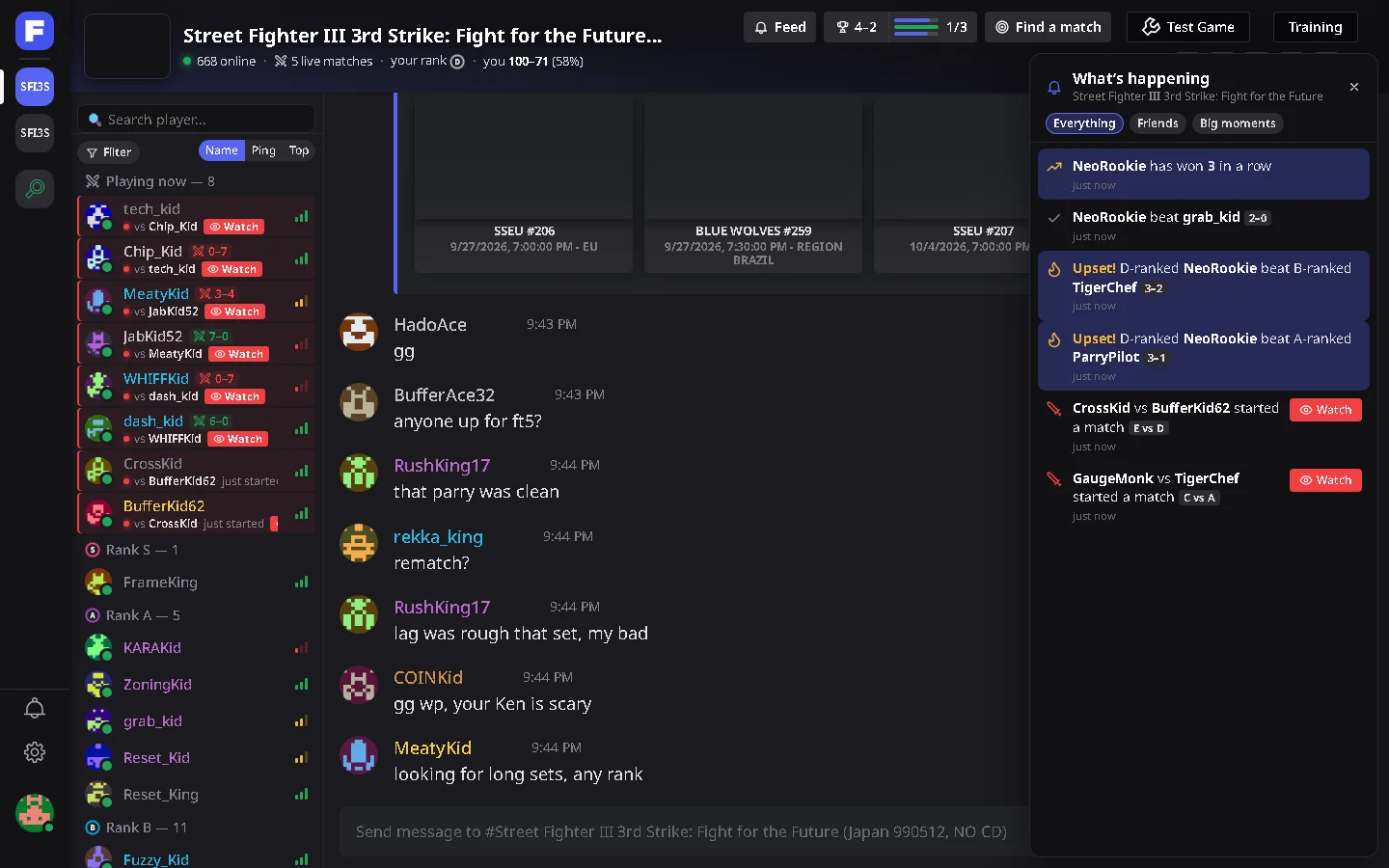
A Discover page made for you, friends with online and match alerts, player notes and tags, a lobby feed of upsets and streaks, tournament reminders, your game and opponent on your Discord status, chat translation, :emoji: shortcodes and a login screen with style.
In English, Português (Brasil) and Español.
Fightcord has no server of its own. It talks to Fightcade’s API, GitHub for updates, and what you switch on. To find other Fightcord players and set up voice calls it uses free public relays: your name goes hashed, you can hide, and nothing is stored. Your settings and history stay on your PC.
It only changes what you see and click in the Fightcade app. It never touches the emulator, game memory, inputs or netcode, and never plays, challenges, accepts or declines anything on its own.
New versions install themselves when you open Fightcade, verified by checksum. Uninstall any time and your previous setup can be put back.
Close Fightcade, run FightcordSetup.exe and click Install. Open Fightcade and a short welcome screen walks you through the rest.
Yes. Voice chat works between Fightcord players who both have it turned on (Settings → Voice chat), and both have to join. The F next to a name shows who has it.
Yes: Settings → Voice chat → “Show that I use Fightcord”. You still see others; voice chat needs it on, so your opponent can find you.
The installer isn’t code-signed (certificates cost money), so SmartScreen warns the first time: More info → Run anyway.
Some antivirus apps (Malwarebytes, for example) flag new unsigned installers by AI guesswork, such as “MachineLearning/Anomalous”. That’s not a known threat. Everything is open source, so you can read the code or build the installer yourself; if you trust it, restore it from quarantine.
Hold Shift while Fightcade starts to open it without Fightcord, then check Settings → Diagnostics or open an issue on GitHub.